You ever sit down to design something and your brain just freezes? Blank screen. Blinking cursor. Nothing.
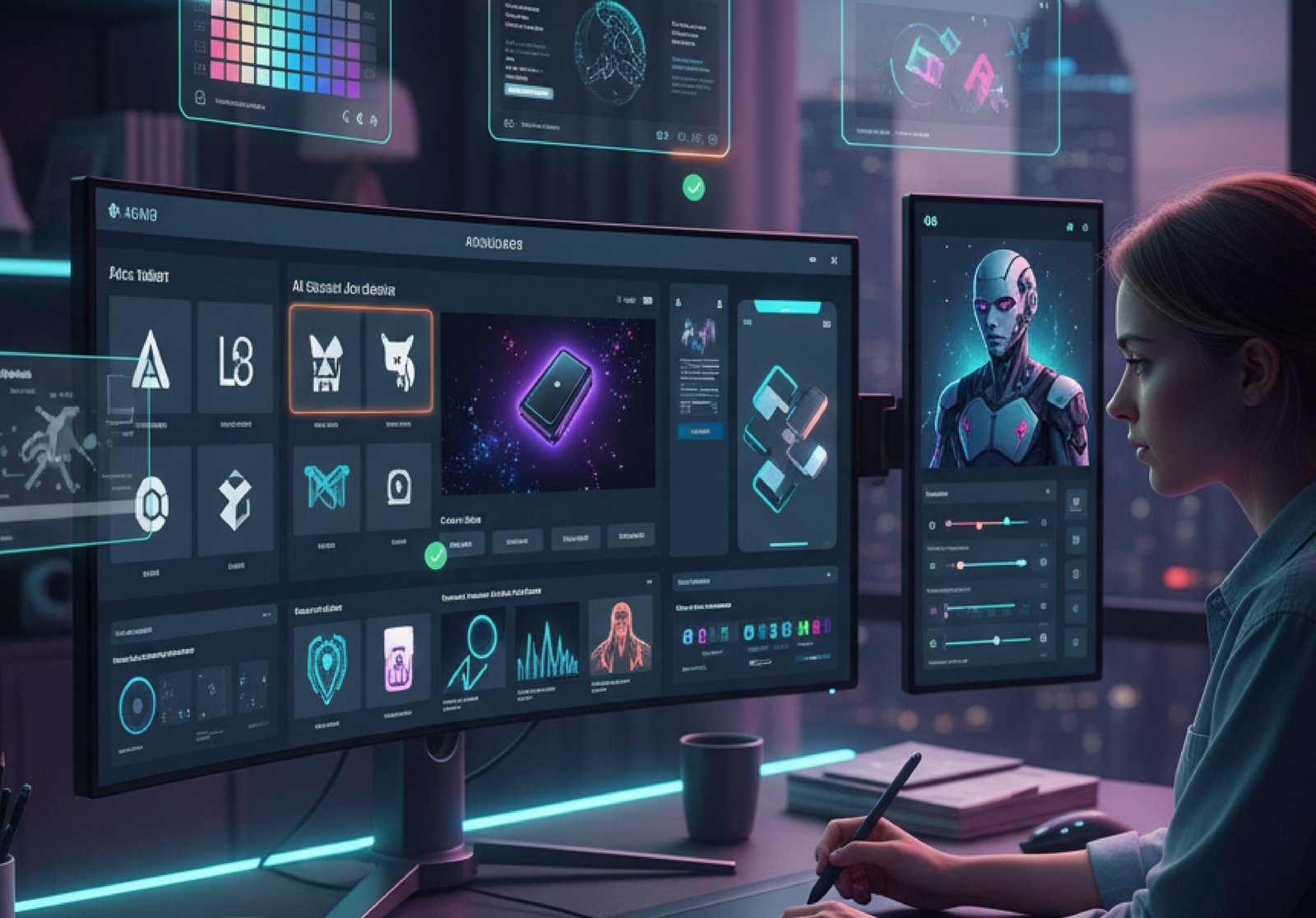
That’s why I started testing AI graphic design tools. Not to replace me. Just to help me move. I wanted tools that could turn “meh” into “okay, that actually looks good.”
I tested a lot. Some were bad. Some were overhyped. But eight of them? Eight were actually useful.
Here’s what I found.
Why I Even Bothered
I’m not a fancy designer. I just need things that look clean. Social posts. Client decks. Quick logos. Sometimes merch.
But every company says they have the best AI for graphic design services. Every landing page promises magic.
Most of it? Marketing.
So I signed up for trials. Built real projects. Social graphics. Mood boards. Mockups. Videos. I paid attention to speed, quality, ease, and whether I’d actually use it again.
These eight made the cut.
My Favorites (The Ones I Still Use)
1. Adobe Firefly
This one surprised me. Adobe usually builds for pros. But Adobe Firefly is simple.
You type what you want. It generates options. The lighting feels natural. The colors make sense. And the images don’t scream “AI made this.”
What I like most is control. You can choose styles, angles, and lighting moods. It feels like AI for visual design done right. Helpful, not overwhelming.
Also, Adobe says it trains on licensed content. That matters.
Best for: Realistic visuals
Price: Free limited plan, paid from $9.99
2. Canva Magic Studio
Canva already made design easy. But Canva Magic Studio made it faster. You type an idea. It builds layouts that actually look thought through. Not random templates.
I made a full Instagram campaign in 20 minutes. The built-in AI tools for graphic designers handle resizing, background removal, text suggestions, and even brand consistency.
Is it high-end agency level? Maybe not. But for fast content? Perfect.
Best for: Social media and marketing teams
Price: Free plan, Pro from $12.99
3. Midjourney
Midjourney feels like magic. It runs through Discord, which feels strange at first. But the results? Stunning. I used it for a client mood board. The images had mood, depth, and texture. Perfect for idea generation.
It’s not ideal for final production edits. But for inspiration? Nothing wakes your brain up faster. The community shares prompts too. That helps a lot.
Best for: Concept art and creative exploration
Price: From $10/month
4. Uizard
Uizard is built for people who don’t code.
You sketch something on paper. Upload it. It turns into a working prototype. Screens connect. Buttons function.
For someone pitching app ideas, this is one of the best AI tools for graphic designers who aren’t actual app designers.
It also suggests themes, layouts, and color systems automatically.
Best for: Quick app and web prototypes
Price: Free plan, paid from $12/month
5. Khroma
Khroma solved my color problem. You pick colors you like. The AI learns your taste. Then it builds unlimited palettes around it.
Gradients. Typography pairings. UI previews. All matching your style. If color decisions slow you down, this helps a lot. I use it constantly.
Best for: Designers who struggle with color
Price: Free
6. Runway
Runway changed how I think about video. Its Gen tools create video from text prompts. Short clips, moving scenes, animated effects.
The motion brush is powerful. You highlight part of an image and tell it how to move. Water flows. Clouds drift. It’s not perfect. Faces can glitch. But for quick content? Very strong.
Best for: Video creators and motion designers
Price: Free plan, paid from $12/month
7. Kittl
Kittl is built for print. T-shirts. Posters. Packaging.
Its typography engine understands text better than most generators. Letters look clean. Vintage effects look real.
If you sell merch or do print-on-demand, this is one of the most affordable AI graphic tools that actually delivers.
Best for: Merch and print design
Price: Free plan, paid from $10/month
8. Figma AI
If you work inside Figma, this matters.
Figma AI handles the boring tasks. It names layers. Suggests layouts. Writes placeholder copy that sounds real.
The best part? It respects your design system. It doesn’t break your brand styles. For teams, this is the AI tools for designers upgrade that saves time daily.
Best for: Product and UI teams
Price: Included in Figma plans
Quick Comparison
| Tool | Best for | Price starts |
| Adobe firefly | Realistic visuals | Free |
| Canva Magic Studio | Fast social | Free |
| Midjourney | Creative ideas | $10/month |
| Uizard | App mockups | Free |
| Khroma | Color palettes | Free |
| Runway | Video content | Free |
| Kittl | Merch design | Free |
| Figma AI | Product design | Varies |
Which One Should You Pick?
It depends.
If you create content daily, Canva is simple and reliable. The AI graphic design features save serious time.
If you’re deep into product design, Figma AI or Adobe Firefly integrate smoothly. If you feel stuck creatively, Midjourney gives your brain new directions fast.
Most of these are affordable AI graphic tools with free plans. Try one. Build something small. See how it feels.
The Truth About AI Design Tools
Here’s what I learned. These tools don’t replace creativity. They speed it up.
The best AI for graphic design is not the one with the most features. It’s the one that removes friction. The one that saves you from staring at a blank screen.
Some of these I use daily. Some only for specific projects. But all eight improved my workflow. Less frustration. More momentum. And that’s enough.
Try One
You don’t need all eight.
Struggling with color? Khroma.
Need quick posts? Canva.
Making videos? Runway.
Brain stuck? Midjourney.
The world of AI graphic design is growing fast. The AI tools for graphic designers are not going away.
You don’t have to fear them. You just have to pick the one that actually helps you work better. I did. And honestly? I’m faster because of it.
Conclusion
You know what I learned from all this testing? AI graphic design tools are just tools. Like a better pencil. A smarter brush. They don’t replace you. They just make the hard parts easier. And after using these eight, the hard parts feel a lot smaller now.
FAQS
Do I need to be a designer to use AI graphic design tools?
Nope, most of them are made for regular people who just want stuff to look good without the headache.
Are AI graphic design tools free to use?
Some are totally free, others let you try before you pay, and the good ones are worth the few bucks they ask for.
Will AI replace graphic designers someday?
Not really; it just helps designers work faster and helps the rest of us not feel so lost when making stuff.
Which AI graphic design tool is best for beginners?
Canva Magic Studio is probably the easiest; it holds your hand without making you feel dumb.
Can AI tools make logos for my small business?
Yes, some, like Kittl, are really good at logo and merch designs that actually look professional.